Track your location, send it to your own server
Overland is an open source GPS tracker for iPhone. It logs your location in the background and sends it to a server of your choosing. It keeps saving data while you're offline and sends it later in batches.

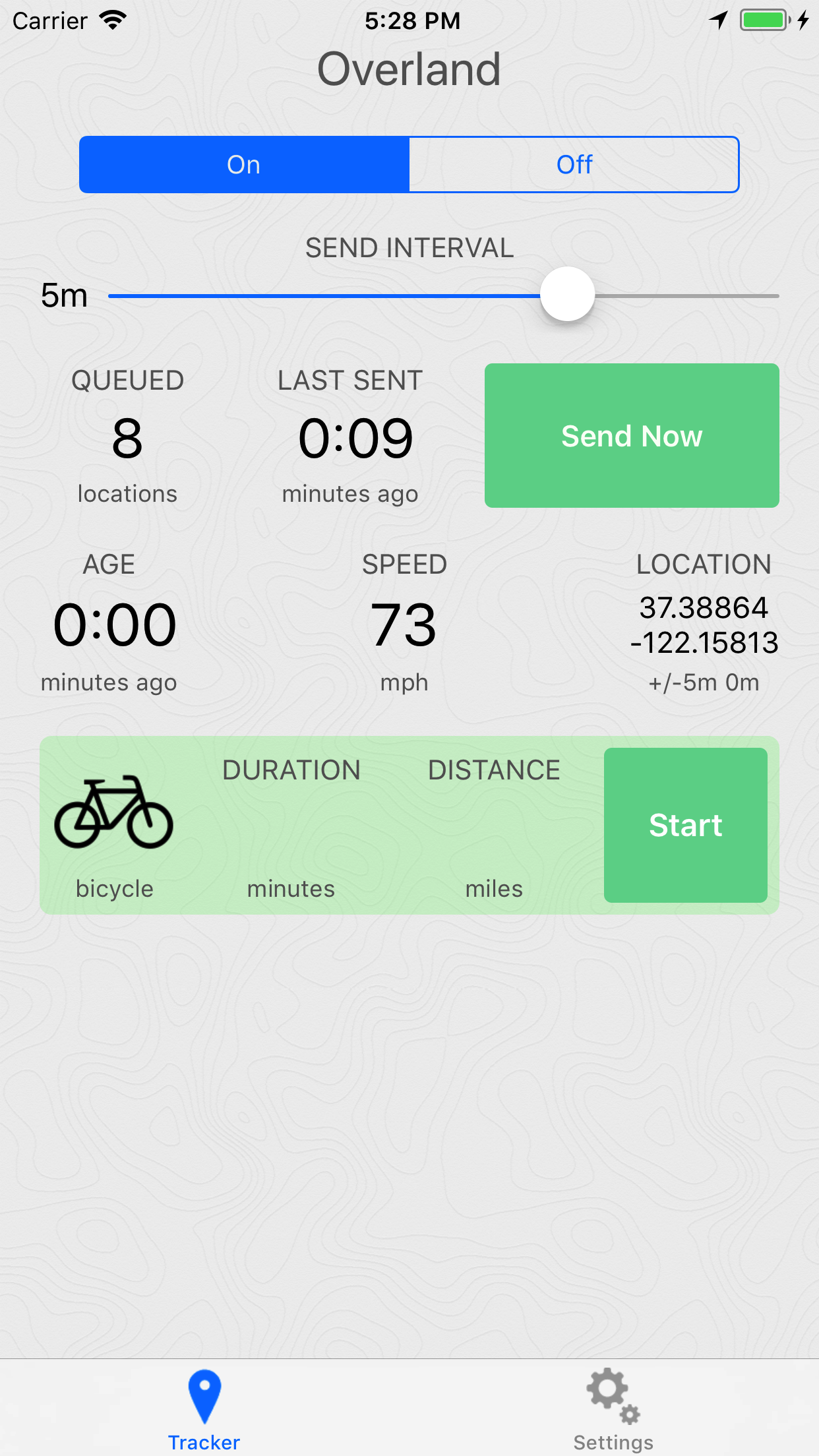
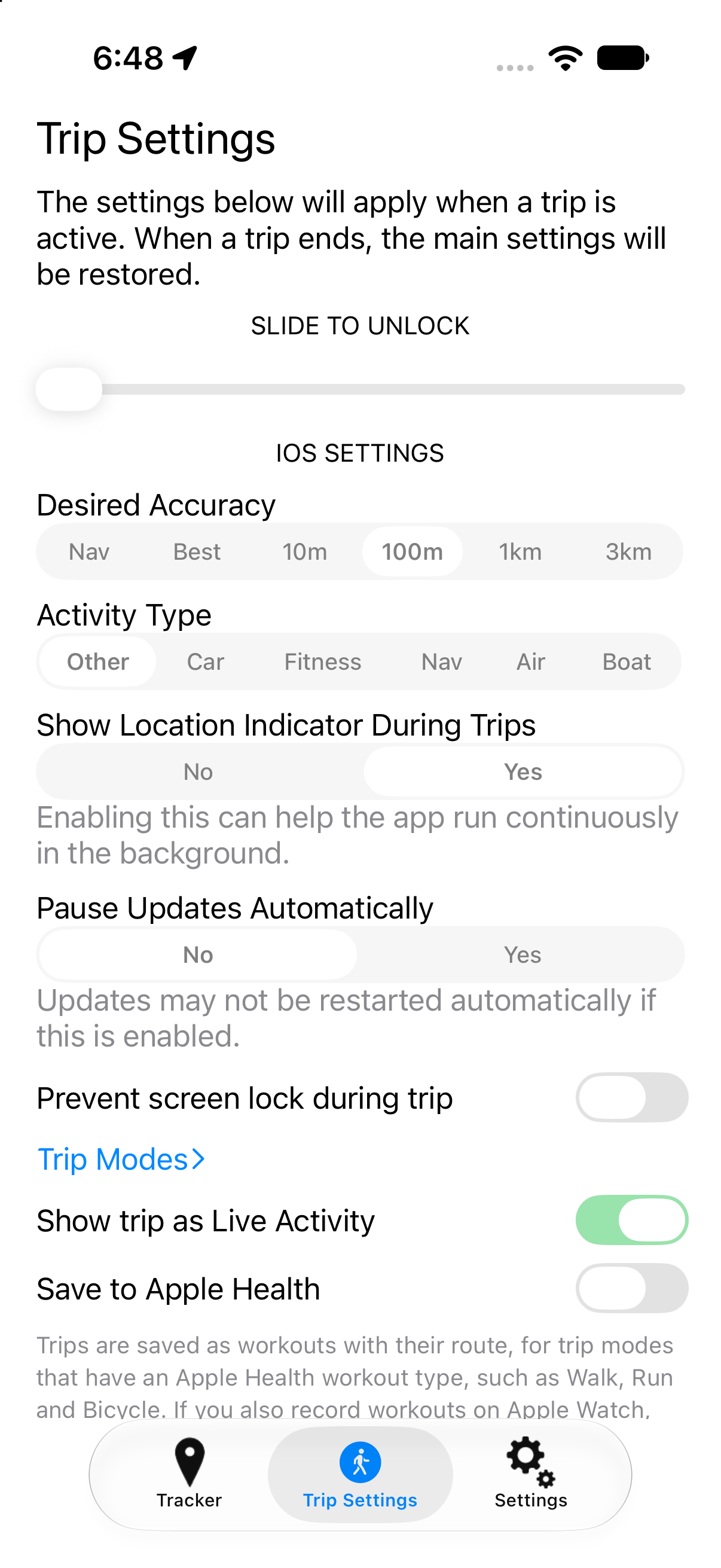
Coming in Overland 1.4
The next version of Overland is in beta testing, with a lot of new ways to use the app from around iOS.
- Live Activity on the Lock Screen and in the Dynamic Island, with End Trip and Send Now buttons
- Shortcuts and Siri actions to start and end trips, change the trip mode and settings, and send data now
- Widgets for the Home Screen and Lock Screen, and Control Center controls
- Apple Health: save trips as workouts, with the route
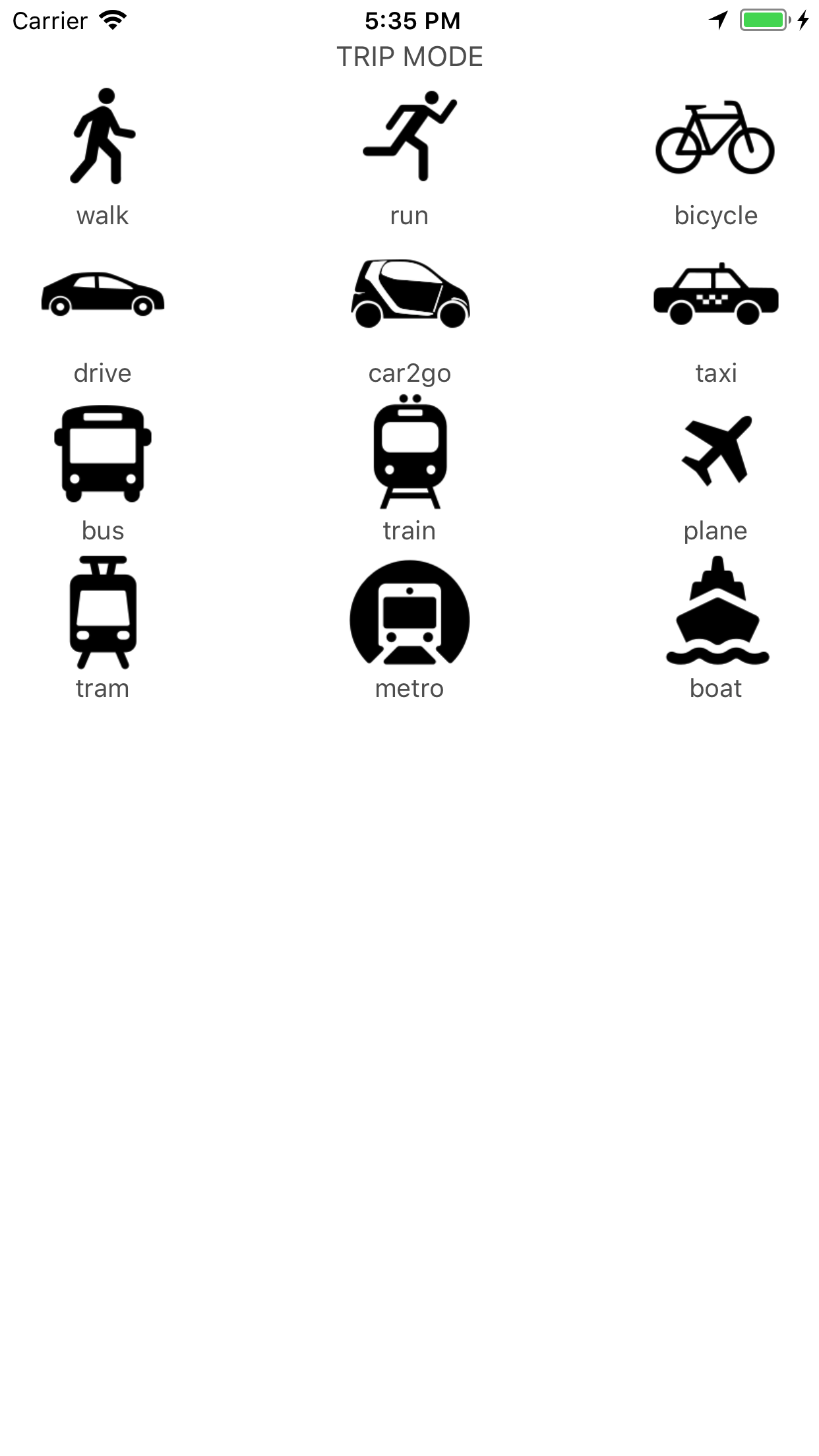
- Custom trip modes, and new built-in modes for e-bikes, hiking, skiing, snowboarding, skating and funiculars
- Trip mode icons are sent with each trip, so servers can show them
- Multiple wifi zones, and options to discard points while stationary or without GPS
- iCloud Drive backup of your location data, and custom HTTP headers for your server
Features
-
Works offline
Location points are queued on the phone and sent to your server in batches, so nothing is lost when you lose signal.
-
Detail or battery life
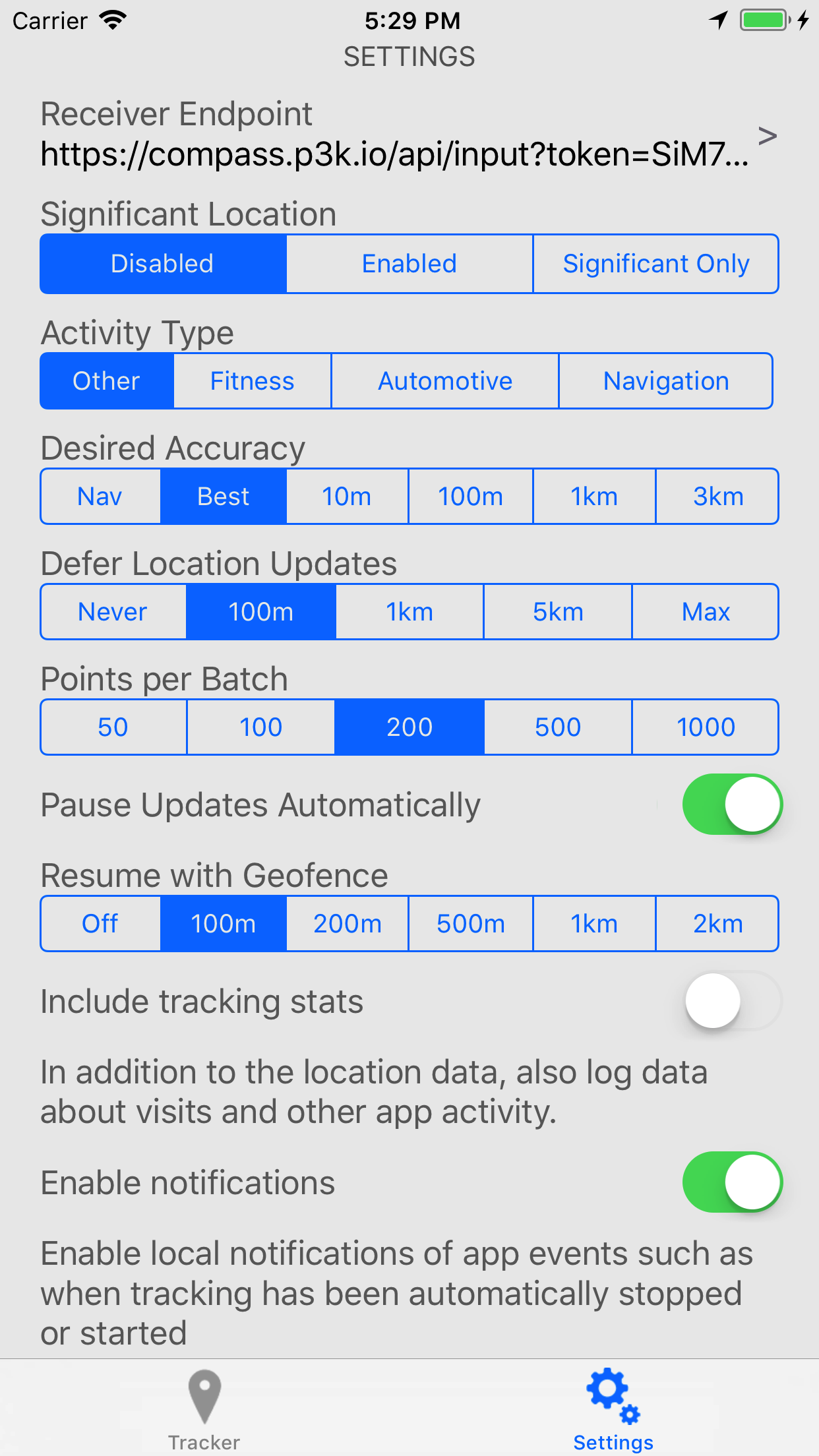
Get highly detailed track logs and use more battery, or track only significant movements to save battery. Every CoreLocation setting is exposed for you to tune.
-
Trips
Start and stop a trip to record a bike ride, run, walk, car trip, train trip and more. The trip is sent to your server along with its location points.
-
Shortcuts, widgets and Live Activity
Start and end trips from Siri and Shortcuts, widgets and Control Center, or the Live Activity on the Lock Screen.
-
Apple Health
Save walks, runs, rides and more to Apple Health as workouts, with their route.
-
Bring your own server
The app posts GeoJSON to any HTTP endpoint. Use one of the compatible servers or build your own.
-
Or iCloud Drive
No server? Save your data as GeoJSON files in iCloud Drive, by day or by trip.
-
Remote configuration
Set up the app with an
overland://link, or have your server change the app's settings in its response. -
Open source
The app is Apache 2.0 licensed. You can read, build and modify the source code on GitHub.
How does it work?
Overland uses the iOS CoreLocation API to collect location data from the phone. iOS places a lot of limits on location data, and the app does the best it can to keep running in the background as long as possible.
Because of how iOS handles location and backgrounding, you can't set the app to collect and send data at a fixed interval. The best you can do is "suggest" what you want from the phone, and take what you get. For example, you can ask for one point every 100 meters, and sometimes you'll get more, sometimes less.
You can read more about the available settings, and recommended setups for detail or battery life, on the Settings page.